 [01]
[01]Discovery
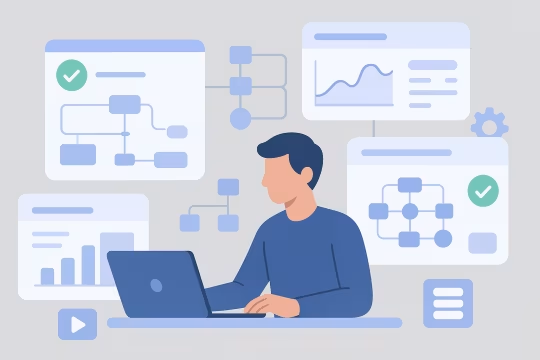
We review current workflows, system dependencies, approval models, and operational pain points. This creates a shared understanding of where automation can reduce friction without introducing unmanaged process risk.
AI workflow automation applies machine intelligence and orchestration logic to repeatable operational processes across content platforms, digital experience systems, and internal delivery workflows. In enterprise environments, this usually means combining AI services with business rules, approval steps, system integrations, and audit controls rather than introducing isolated prompts or ad hoc automations.
Organizations need this capability when manual processes begin to slow publishing, campaign execution, metadata management, support operations, or internal platform administration. As CMS and DXP estates grow, teams often accumulate disconnected tools, inconsistent approval paths, and limited visibility into how automated decisions are made. That creates friction for content teams, operations leaders, and platform owners who need both efficiency and control.
A well-structured automation layer supports scalable platform architecture by standardizing workflow execution, integrating with existing systems of record, and enforcing governance around inputs, outputs, and approvals. It allows teams to automate high-volume tasks without weakening operational oversight, and it creates a foundation for evolving from isolated use cases toward reusable enterprise automation patterns.
Core Focus
Best Fit For
Key Outcomes
Technology Ecosystem
Delivery Scope


As digital platforms expand, operational processes around content, approvals, enrichment, routing, and internal administration often remain heavily manual. Teams rely on spreadsheets, email chains, disconnected automation tools, and undocumented workarounds to move work between systems. What begins as a manageable set of exceptions gradually becomes a structural constraint on publishing velocity, campaign execution, and platform operations.
This fragmentation affects both engineering and non-engineering teams. Platform owners struggle to enforce consistent workflow rules across CMS, DXP, and adjacent systems. Content and marketing operations teams face delays caused by handoffs, duplicate effort, and unclear approval states. Engineering teams are then asked to support one-off automations without a shared orchestration model, which increases integration complexity and creates brittle dependencies between APIs, business logic, and user-facing processes.
Over time, the absence of governed automation introduces operational risk. AI features may be adopted in isolated tools without auditability, approval checkpoints, or clear ownership. Workflow behavior becomes difficult to trace, exceptions are handled inconsistently, and teams lose confidence in automated outputs. The result is slower delivery, higher maintenance overhead, and a platform estate that becomes harder to scale because process logic is distributed across too many systems and too few standards.
We map current workflows, decision points, handoffs, and system dependencies across CMS, DXP, and operational teams. This establishes where automation is appropriate, where human review is required, and which processes are constrained by existing architecture.
Candidate workflows are assessed by volume, complexity, risk, and integration effort. The result is a sequenced automation roadmap that balances operational value with governance requirements and implementation feasibility.
We define orchestration patterns, event flows, approval states, fallback paths, and system boundaries. This stage also establishes how AI services interact with rules engines, content models, and operational controls.
Automation workflows are connected to CMS, DXP, approval systems, messaging layers, and external APIs. Integration design focuses on reliable execution, traceability, and clear ownership of data exchanged between systems.
We implement approval checkpoints, prompt controls, logging, role-based access, and audit trails. These controls ensure automated actions remain observable, reviewable, and aligned with enterprise operating requirements.
Workflows are tested across normal paths, exception scenarios, and edge cases involving incomplete data or failed downstream actions. Testing covers both technical execution and operational usability for the teams running the process.
Automations are deployed incrementally with monitoring, documentation, and support procedures. Rollout planning includes change management for teams affected by new workflow behavior and revised approval responsibilities.
After launch, workflow performance, exception rates, and review patterns are analyzed to improve reliability and scope. This creates a repeatable model for extending automation into adjacent processes without losing governance.
This service focuses on building automation as a governed platform capability rather than a collection of isolated scripts or AI prompts. The engineering emphasis is on orchestration, integration, reviewability, and operational resilience. Workflows are designed to fit existing enterprise systems while remaining extensible as process complexity grows. The result is a maintainable automation layer that supports both execution efficiency and architectural control.

Automation logic is structured as explicit workflow states, triggers, transitions, and exception paths rather than hidden application behavior. This makes process execution easier to reason about, test, and evolve across multiple systems. It also supports reuse of orchestration patterns for similar operational processes.
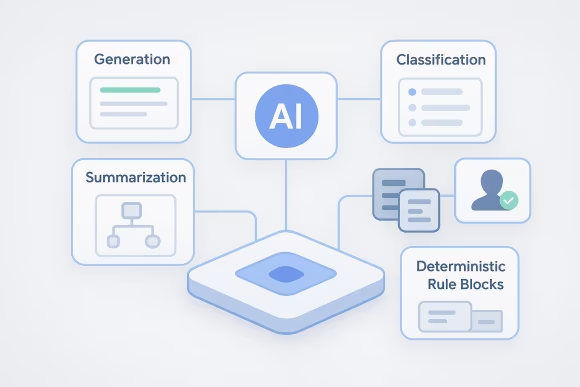
AI capabilities are applied within defined operational boundaries, with clear rules for where generation, classification, summarization, or routing is appropriate. Human review can be inserted at critical points, and deterministic rules can override model output where compliance or accuracy requirements demand it.

Automated workflows include configurable approval stages, escalation paths, and role-based review checkpoints. This allows organizations to increase throughput without removing accountability from content, operations, or platform governance teams. Review logic is integrated into the workflow rather than treated as a manual afterthought.
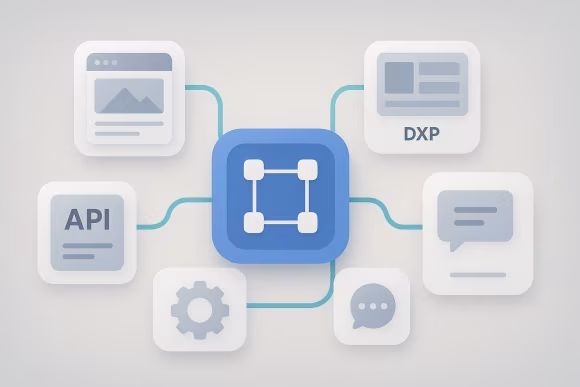
The service connects orchestration logic to CMS platforms, DXP components, APIs, messaging systems, and operational tools. Integration patterns are designed for reliability, idempotency, and traceability so that workflow execution remains stable even when multiple systems participate in a single process.

Each workflow can capture execution history, inputs, outputs, approvals, and exception events in a structured way. This supports operational review, incident analysis, and governance reporting. It also reduces the risk of opaque automation behavior that cannot be explained after the fact.
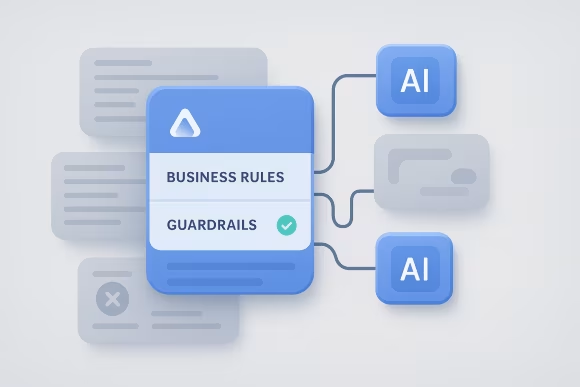
Business rules, validation logic, and policy constraints are embedded alongside AI-driven steps to control workflow behavior. Guardrails help prevent invalid transitions, unsupported content changes, or unreviewed actions from propagating through the platform. This is especially important in regulated or high-volume environments.

Operational visibility is built into the automation layer through status tracking, failure alerts, retry strategies, and exception queues. Teams can identify where workflows stall, where integrations fail, and where human intervention is required. This improves reliability without masking process issues.

Common workflow structures, integration adapters, and governance controls are designed for reuse across departments and use cases. This reduces duplication when expanding automation into adjacent processes and helps establish a consistent enterprise model for AI-enabled operations.
Delivery is structured around workflow analysis, controlled implementation, and operational adoption. The model is designed to fit enterprise environments where automation must integrate with existing systems, governance processes, and team responsibilities rather than bypass them.
[01]We review current workflows, system dependencies, approval models, and operational pain points. This creates a shared understanding of where automation can reduce friction without introducing unmanaged process risk.
 [02]
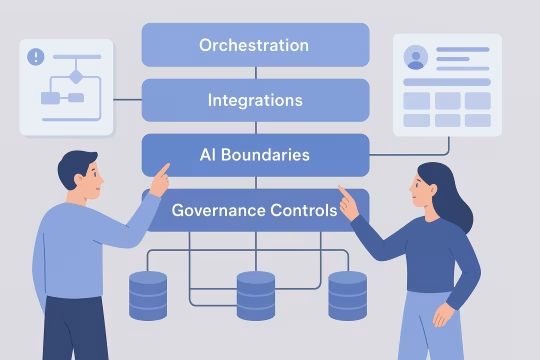
[02]Target workflow architecture is defined across orchestration, integrations, AI usage boundaries, and governance controls. The output includes process states, exception handling, ownership, and technical constraints for implementation.
 [03]
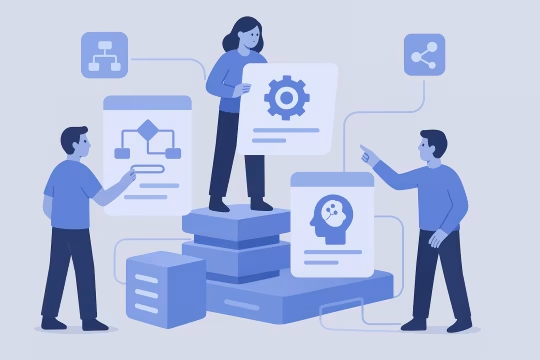
[03]Workflow logic, integrations, rules, and AI-enabled tasks are built as structured automation components. Engineering work focuses on reliable execution, maintainability, and compatibility with the surrounding platform estate.
 [04]
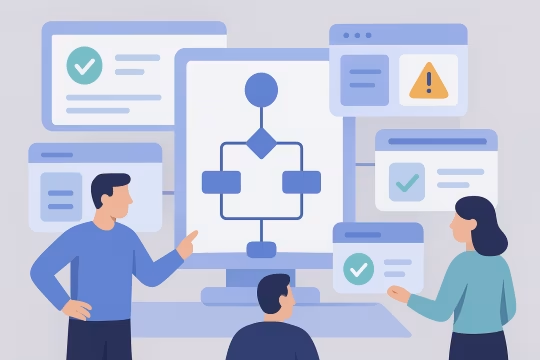
[04]Automations are validated through scenario-based testing covering normal execution, review paths, failures, and edge cases. This ensures workflows behave predictably across both technical and operational conditions.
 [05]
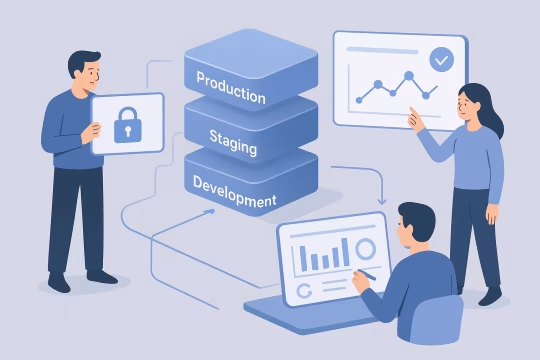
[05]Release planning includes staged rollout, access controls, monitoring, and fallback procedures. Production deployment is handled in a way that limits disruption to teams already operating critical content or platform processes.
 [06]
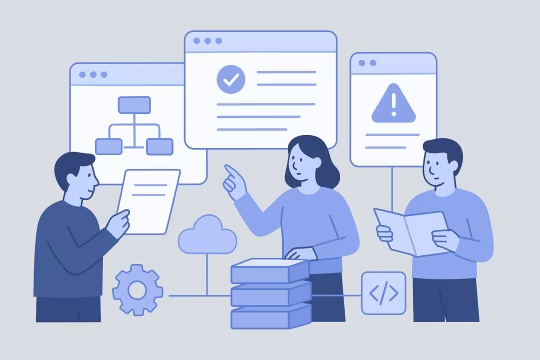
[06]Teams receive documentation, workflow guidance, and operational runbooks for day-to-day use. Enablement also clarifies ownership for approvals, exception handling, and future workflow changes.
 [07]
[07]Post-launch governance defines how prompts, rules, integrations, and approvals are reviewed over time. This prevents automation logic from drifting away from policy, architecture, or operational requirements.
 [08]
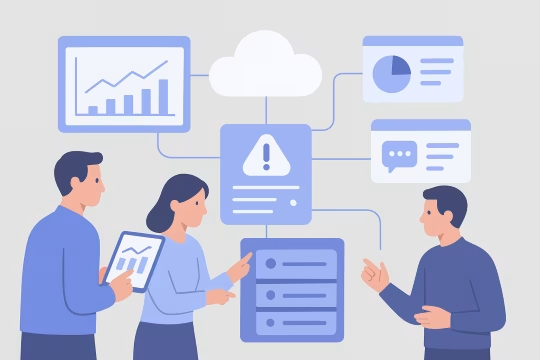
[08]Workflow metrics, exception patterns, and user feedback are used to refine execution and identify adjacent automation opportunities. Improvements are prioritized based on operational impact, complexity, and governance implications.
Well-governed automation improves throughput without reducing architectural control. The main impact comes from removing repetitive operational effort, standardizing process execution, and making AI-enabled workflows observable and manageable at enterprise scale.
High-volume tasks move through defined workflow paths with fewer manual handoffs. Teams spend less time coordinating routine steps and more time handling exceptions, quality review, and higher-value work.
Approvals, guardrails, and audit trails reduce the chance of unreviewed or opaque automated actions. Organizations gain a clearer control model for where AI is used and how workflow decisions are recorded.
Shared orchestration patterns replace fragmented process logic spread across tools and teams. This creates more predictable workflow behavior across content operations, platform administration, and adjacent business processes.
Repetitive routing, enrichment, classification, and coordination tasks can be automated within governed boundaries. This lowers the administrative burden on content, operations, and platform teams without removing necessary review steps.
Structured execution history makes it easier to understand what happened in a workflow, why it happened, and who approved it. That supports incident review, compliance reporting, and ongoing process optimization.
Reusable workflow patterns and integration models make it easier to extend automation into new use cases. Organizations avoid rebuilding logic from scratch each time a new operational process is targeted.
Engineering and operational teams work with clearer process definitions, fewer ad hoc requests, and more stable automation behavior. This reduces context switching and makes workflow changes easier to manage over time.
Automation becomes part of the platform operating model rather than a parallel toolset with unclear ownership. This helps architecture, security, and operations teams maintain oversight as AI usage expands.
Adjacent services include integration, orchestration, platform operations, and architecture capabilities that extend governed automation across enterprise digital ecosystems.
AI-assisted analysis for customer data ecosystems
Governed AI workflows for metadata quality
Automated reporting workflows and structured insight generation
Structured remediation for large content estates
Structured content transformation for enterprise platforms
Stewardship, standards, and CDP data policy and controls
CDP monitoring and data reliability for customer data
CDP event pipeline architecture and identity foundations
Event-driven journeys across channels and products
CDP audience activation with governed delivery to channels
Audience sync activation engineering for CDP activation
Headless CMS API integration, contracts, and integration layer engineering
Common questions about architecture, operations, integration, governance, risk, and delivery for governed AI workflow automation in enterprise environments.
AI workflow automation should sit as a governed orchestration layer within the broader platform architecture, not as an isolated tool used independently by individual teams. In practice, that means workflows connect to existing CMS, DXP, approval systems, identity controls, and operational data sources through defined interfaces. The architecture needs to separate orchestration logic, AI-assisted tasks, business rules, and audit logging so each concern can be managed and evolved without creating hidden dependencies. For enterprise platforms, the key architectural question is not whether AI can perform a task, but where that task belongs in the system and what controls surround it. Some steps are suitable for model-driven summarization, classification, or drafting, while others require deterministic validation or human approval. A sound architecture makes those boundaries explicit. This approach also improves maintainability. When workflow states, integrations, and review points are modeled clearly, teams can test and update automation without rewriting large parts of the platform. That is especially important in multi-team environments where content operations, engineering, and governance functions all need visibility into how automated processes behave.
Good candidates are repeatable workflows with clear inputs, predictable decision points, and measurable operational cost. In enterprise CMS and DXP environments, that often includes content tagging, metadata enrichment, routing for review, asset classification, publishing preparation, support triage, campaign coordination, and internal operational handoffs. These processes usually involve structured data, known business rules, and enough volume to justify automation design. The strongest candidates are not always the most complex workflows. In many cases, organizations get better results by starting with bounded processes that already have defined owners and approval paths. That allows teams to validate orchestration patterns, exception handling, and governance controls before extending automation into more sensitive or cross-functional areas. Workflows that depend on ambiguous business judgment, incomplete source data, or frequent undocumented exceptions may still be automatable, but they usually require more careful design. In those cases, AI can assist with preparation or recommendation while final decisions remain with human reviewers. The goal is to automate the right parts of the process, not force full automation where the operating model does not support it.
For operations teams, the main change is that process execution becomes more structured and visible. Instead of managing work through email chains, manual checklists, or disconnected tools, teams interact with defined workflow states, approval queues, exception paths, and monitoring signals. This usually reduces routine coordination effort, but it also requires clearer ownership of review steps, escalation handling, and policy decisions. A well-designed automation model does not remove operations from the process. It changes their role from manually moving work between steps to supervising execution, resolving exceptions, and refining workflow rules over time. That shift is important because enterprise processes rarely remain static. Teams still need to adapt to new content types, campaign requirements, compliance rules, and platform changes. Operational adoption works best when workflows are documented, observable, and aligned with existing responsibilities. If automation is introduced without clear runbooks or governance, teams may lose confidence in the process and revert to manual workarounds. The objective is to reduce friction while preserving control, not to create a black-box system that is difficult to trust or manage.
Live workflows need monitoring, logging, access controls, exception handling procedures, and ownership for ongoing changes. Monitoring should show workflow status, failure points, queue backlogs, and retry behavior so teams can identify where execution is slowing or breaking. Logging should capture key inputs, outputs, approvals, and system interactions in a way that supports both operational troubleshooting and governance review. Access control is equally important. Teams need clarity on who can change prompts, update rules, approve outputs, or disable workflow steps. Without role-based control, automation can drift quickly and become difficult to govern. In enterprise environments, workflow changes should usually follow a lightweight but explicit review process, especially when they affect customer-facing content or regulated operations. Exception handling also needs to be designed as an operational capability rather than an afterthought. Some failures should trigger retries, others should route to human review, and some should stop execution entirely. Defining these patterns early helps teams run automation reliably and prevents hidden process failures from accumulating in production.
Integration usually happens through APIs, webhooks, event streams, content models, and workflow state transitions already present in the CMS or DXP environment. The automation layer listens for triggers such as content creation, status changes, asset uploads, or campaign events, then executes a defined sequence of actions. Those actions may include AI-assisted enrichment, routing, validation, approval requests, or updates back into the source platform. The important design principle is to keep system boundaries clear. The CMS or DXP remains the system of record for content and workflow state where appropriate, while the orchestration layer coordinates execution across connected services. This avoids embedding too much process logic directly into one platform and makes it easier to evolve workflows over time. Integration design also needs to account for idempotency, failure recovery, and data quality. Enterprise workflows often involve multiple systems with different latency, permission, and validation models. Reliable integration depends on handling those differences explicitly rather than assuming every downstream action will succeed on the first attempt.
Yes, and in many enterprise cases it needs to. Valuable workflows often span CMS platforms, DXP tools, DAM systems, approval applications, analytics environments, CRM platforms, support systems, and internal operational tools. The role of orchestration is to coordinate these systems through a shared process model so that work can move predictably across boundaries without relying on manual intervention at every step. Cross-system automation requires careful handling of identity, permissions, data mapping, and ownership. Each system may represent workflow state differently, and some may not support the same level of transactional reliability. That means the automation design must include retries, compensating actions, and clear exception paths when one part of the process fails. It is also important to decide where the authoritative status of the workflow lives. In some cases, the orchestration layer manages the overall state while individual systems handle local tasks. In others, a primary platform remains authoritative and the automation layer acts as a coordinator. Choosing that model early prevents ambiguity and reduces integration complexity later.
Governance is applied by defining where AI can act, what constraints apply to its outputs, when human review is mandatory, and how each automated action is recorded. In practice, that means combining model usage with business rules, approval checkpoints, role-based permissions, and audit logging. The workflow should make these controls visible rather than hiding them inside prompts or custom code. A useful governance model distinguishes between low-risk and high-risk actions. For example, AI-generated metadata suggestions may be accepted with lightweight review, while customer-facing copy changes or regulated content updates may require explicit approval. This allows organizations to scale automation without treating every workflow step as equally sensitive. Governance also includes change management. Prompts, rules, integrations, and approval logic should not evolve informally in production. Teams need a process for reviewing changes, validating impact, and documenting ownership. That is what turns AI workflow automation into a manageable platform capability instead of a collection of uncontrolled experiments.
Audit trails provide the operational record needed to understand how a workflow executed, what data it used, what outputs were produced, and where approvals or exceptions occurred. In enterprise environments, this is essential for troubleshooting, governance review, and demonstrating that automated processes are operating within defined controls. Without auditability, teams may know that a workflow ran, but not why it behaved the way it did. A useful audit trail captures more than timestamps. It should include workflow state transitions, triggering events, relevant inputs, AI-generated outputs where appropriate, user approvals, rule evaluations, and downstream system actions. The level of detail depends on the process, but the principle is the same: execution should be reconstructable after the fact. This matters for both compliance-sensitive and non-regulated organizations. Even where formal compliance is not the driver, audit trails improve trust and maintainability. They help teams identify recurring failure patterns, review process quality, and refine automation logic based on evidence rather than assumptions.
The main risks are opaque decision-making, uncontrolled process changes, brittle integrations, and over-automation of tasks that still require human judgment. When AI is inserted into workflows without clear boundaries, teams may not understand why certain outputs were produced or how those outputs affected downstream systems. That creates operational uncertainty and can undermine trust in the platform. Another common risk is fragmentation. Different teams may adopt separate automation tools, prompts, and rules for similar processes, leading to inconsistent behavior and duplicated maintenance effort. Over time, this makes governance harder and increases the cost of integrating or replacing workflow logic. There is also a delivery risk when organizations try to automate end-to-end processes before stabilizing the underlying operating model. If approvals, ownership, and exception handling are unclear, automation can amplify existing process problems rather than solve them. A controlled implementation approach reduces these risks by starting with bounded workflows, explicit controls, and measurable operational criteria.
Risk is reduced by combining AI outputs with validation rules, approval steps, bounded prompts, and workflow-specific guardrails. AI should not be treated as a standalone authority inside enterprise processes. Instead, it should operate within a system that checks format, completeness, policy constraints, and confidence thresholds before outputs are accepted or passed downstream. Human review remains important for sensitive tasks, especially where content quality, legal exposure, or brand governance are involved. In many workflows, the most effective pattern is AI-assisted preparation followed by structured review rather than fully autonomous execution. This preserves efficiency gains while keeping accountability in the right place. Technical controls also matter. Logging outputs, versioning prompts, monitoring exception rates, and testing workflows against realistic scenarios all help teams detect drift or failure early. Over time, these controls create a feedback loop that improves reliability and clarifies which workflow steps are suitable for broader automation and which should remain more tightly governed.
A typical engagement includes workflow discovery, use case prioritization, architecture design, integration planning, implementation, testing, and operational rollout support. The exact scope depends on whether the organization needs a first automation use case, a reusable orchestration foundation, or remediation of fragmented existing automations. In all cases, the work should connect technical implementation with governance and operating model decisions. Early phases usually focus on understanding current process flows, system boundaries, approval requirements, and the quality of available data. From there, the engagement defines target workflows, AI usage boundaries, integration patterns, and the controls needed for production use. This often results in a phased roadmap rather than a single large release. Implementation may include orchestration logic, API integrations, approval flows, audit mechanisms, monitoring, and documentation. For enterprise teams, enablement is also important. Operational users, platform owners, and engineering teams need clarity on how workflows run, who owns exceptions, and how future changes should be managed after launch.
Collaboration usually involves a cross-functional working model rather than a purely technical implementation stream. Platform and engineering teams define architecture, integrations, and operational controls. Content or operations teams provide workflow knowledge, exception patterns, and approval requirements. Leadership stakeholders help align priorities, governance expectations, and rollout sequencing. Work is often organized around workshops, workflow mapping sessions, architecture reviews, and iterative implementation checkpoints. This allows teams to validate assumptions early, especially where process documentation is incomplete or where multiple systems participate in the same workflow. It also helps surface ownership questions before they become blockers in production. The most effective collaboration model keeps decision-making close to the actual workflow owners while maintaining architectural oversight. That balance matters because automation is not only a software concern. It changes how work moves through the organization, so delivery needs both technical discipline and operational participation from the teams who will run the workflows day to day.
Collaboration typically begins with a focused discovery phase centered on one or two high-value workflows. The goal is to understand the current process, identify where AI-assisted automation is appropriate, map system dependencies, and define the governance conditions required for production use. This is usually done through stakeholder interviews, workflow mapping sessions, and a review of the existing CMS, DXP, approval, and operational tooling landscape. From that initial analysis, teams can agree on a practical starting point rather than attempting to automate everything at once. The first outcome is often a prioritized use case definition, target architecture outline, and implementation plan covering orchestration, integrations, review steps, and audit requirements. This gives engineering, operations, and platform stakeholders a shared basis for decision-making. Starting this way reduces ambiguity and helps establish trust in the delivery model. It creates a controlled path from process analysis to implementation, while making sure the first automation initiative is aligned with operational reality, technical constraints, and long-term platform governance.
These case studies show how complex CMS and DXP environments were delivered with structured workflows, governance controls, integrations, and operational reliability. They are especially relevant for AI workflow automation because they demonstrate the real architecture patterns needed for approvals, access rules, auditability, and scalable orchestration across enterprise platforms. Together, they provide concrete proof of implementation in content-heavy, integration-heavy, and multi-team delivery contexts.
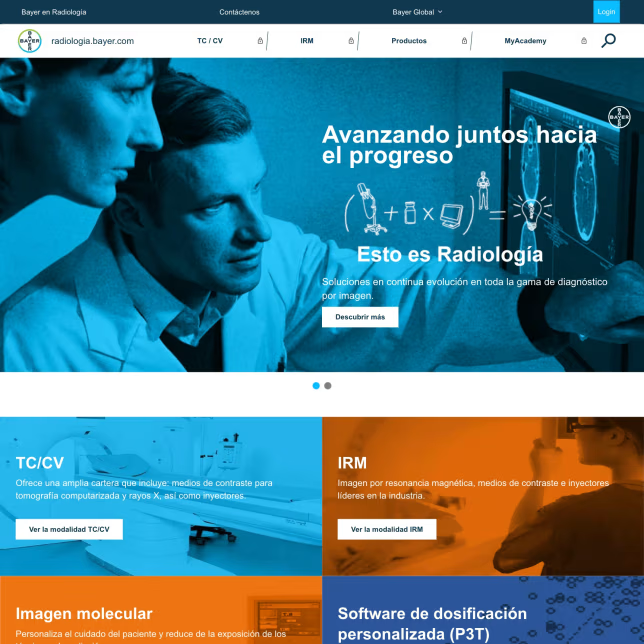
An advanced healthcare digital platform for LATAM was required to facilitate collaboration among radiology HCPs, distribute company knowledge, refine treatment methods, and streamline workflows. The solution needed secure medical website role-based access restrictions based on user role (HCP / non-HCP) and geographic region.
The platform enhanced collaboration, streamlined workflows, and empowered radiology professionals with advanced tools to gain insights and optimize patient care.
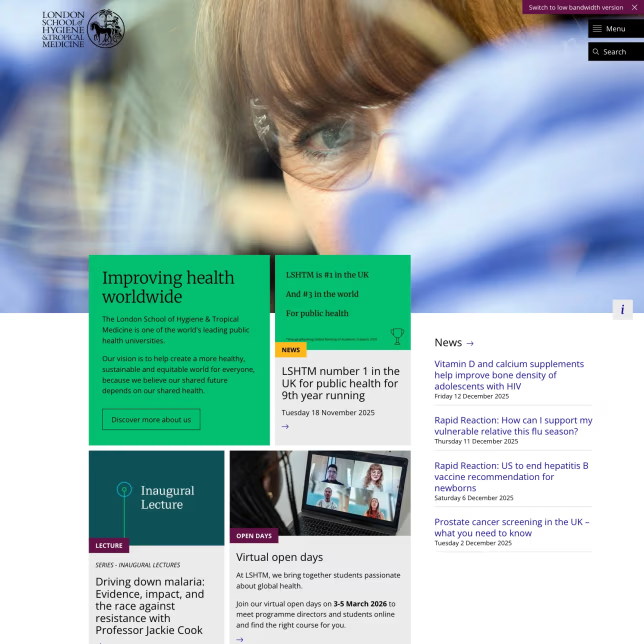
LSHTM required improvements to its existing higher education Drupal platform to better manage and distribute complex research data, including support for third-party integrations, Drupal performance optimization, and more reliable synchronization.
The solution improved data accessibility, streamlined research workflows, and enhanced system performance, enabling LSHTM to manage complex datasets more efficiently.
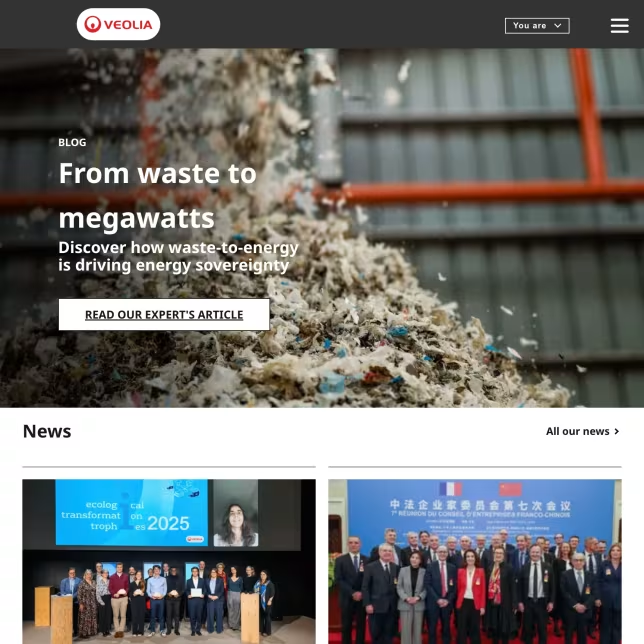
With Drupal 7 reaching end-of-life, Veolia needed a Drupal 7 to Drupal 10 enterprise migration for its Acquia Site Factory multisite platform—preserving region-specific content and multilingual capabilities across more than 200 sites.
The platform was modernized into a stable, scalable multisite foundation with improved performance, maintainability, and long-term upgrade readiness.
UNCCD operated four separate websites (two WordPress, two Drupal), leading to inconsistencies in design, content management, and user experience. A unified, scalable solution was needed to support a large-scale CMS migration project and improve efficiency and usability.
The modernization effort resulted in a cohesive, user-friendly, and scalable website, improving content management efficiency and long-term digital sustainability.
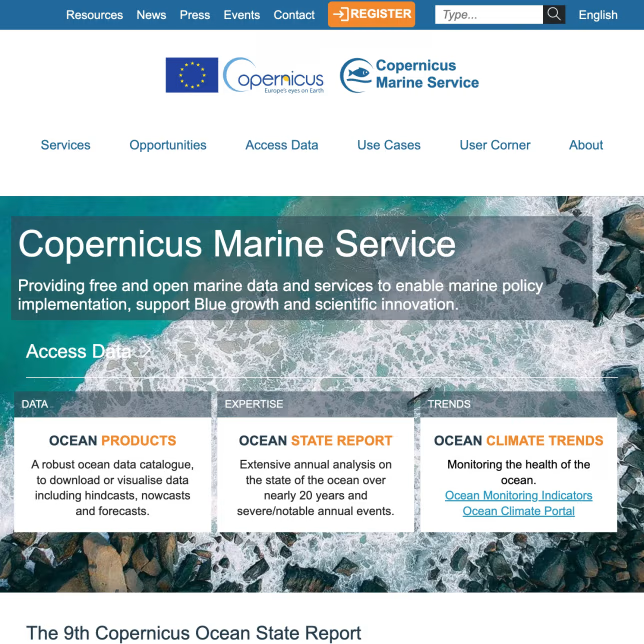
The existing marine data portal relied on three unaligned WordPress installations and embedded PHP code, creating inefficiencies and risks in content management and usability.
The new Drupal DXP streamlined content operations and improved accessibility, offering scientists and businesses a more efficient gateway to marine data services.
Oleksiy (PathToProject) has been a valuable developer resource over the past six months for us at LSHTM. This included coming on board to revive and complete a stalled Drupal upgrade project, as well as carrying out work to improve our site accessibility and functionality.
I have found Oleksiy to be very knowledgeable and skilful and would happily work with him again in the future.

Ali Kazemi
Web & Digital Manager at London School of Hygiene & Tropical Medicine
Oleksiy (PathToProject) and I worked together on a Digital Transformation project for Bayer LATAM Radiología. Oly was the Drupal developer, and I was the business lead. His professionalism, technical expertise, and ability to deliver functional improvements were some of the key attributes he brought to the project.
I also want to highlight his collaboration and flexibility—throughout the entire journey, Oleksiy exceeded my expectations.
It’s great when you can partner with vendors you trust, and who go the extra mile.

Axel Gleizerman Copello
Building in the MedTech Space | Antler
Oleksiy (PathToProject) is a great professional with solid experience in Drupal. He is reliable, hard-working, and responsive.
He dealt with high organizational complexity seamlessly. He was also very positive and made teamwork easy.
It was a pleasure working with him.

Oriol Bes
AI & Innovation (Discovery, Strategy, Deployment, Scouting) for Business Leaders
These articles expand on the architecture and governance patterns that make AI workflow automation reliable in enterprise environments. They cover how to control change, manage approvals and rollback, and keep content and platform operations auditable as automation scales.
Let’s review your current workflows, governance requirements, and platform constraints to define a practical automation roadmap for CMS, DXP, and enterprise operations.